For Airbnb and SpareRoom hosts
Your photos. A reel to share.
Make a short vertical reel for your holiday let or spare room, with voice and music. Download and share on Instagram or TikTok.
25 free credits for new accounts. No card needed. See pricing.
Sign in by email to open the new-reel form.
Watch sample reels ↓ Free reel brief builder →From listing photos to a reel
- Sign in with your email code. On your first visit, add your name. The app’s “Business or agency (optional)” field can be left blank.
- Name your reel. The new-reel form opens after sign-in. Enter a listing name or address, then tap “Start with photos”.
- Keep Photo Reel selected and add your photos. Choose a length and add details you want the script to mention, such as the space and amenities. Pick your style, voice and music.
- Review the plan and credit quote. Check the script and shots before tapping “Approve & render”. Watch the finished reel, confirm you’ve checked it, then download and share it.
Want a worked example? Follow the five-photo, 15-second reel walkthrough, or the spare-room version. New to this? Read how to make a listing video from phone photos.
What a Kadapt reel looks like
Two fictional property examples made from still photos. The first is a silent Photo Reel demonstration; the second is a voiced gallery reel with sample sale-price and tour copy. Your result depends on your photos and settings.
Four source photos
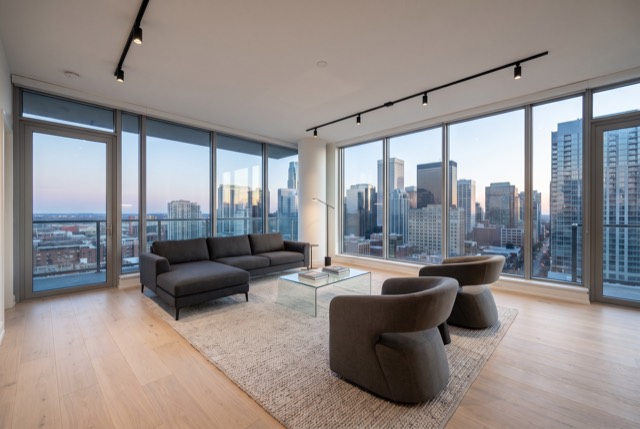
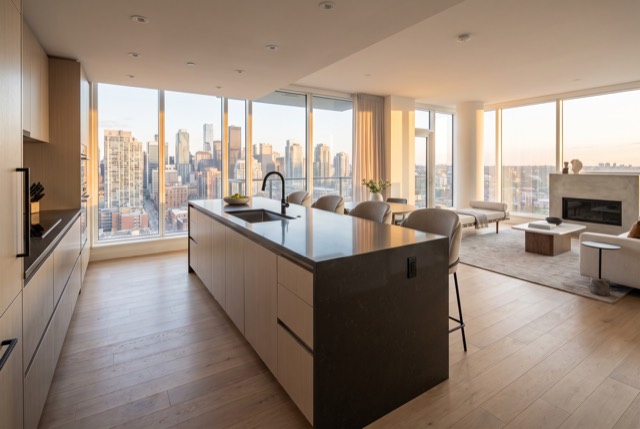
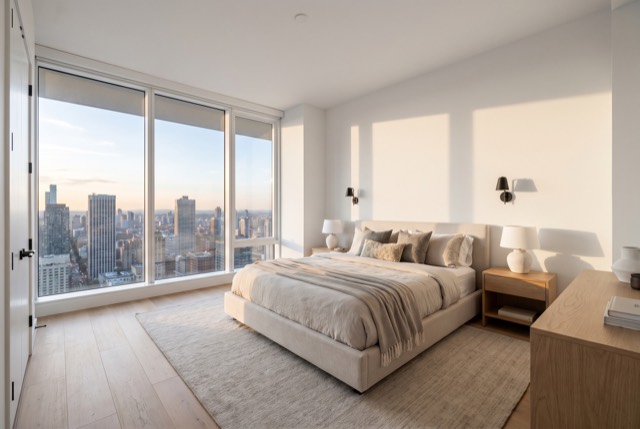
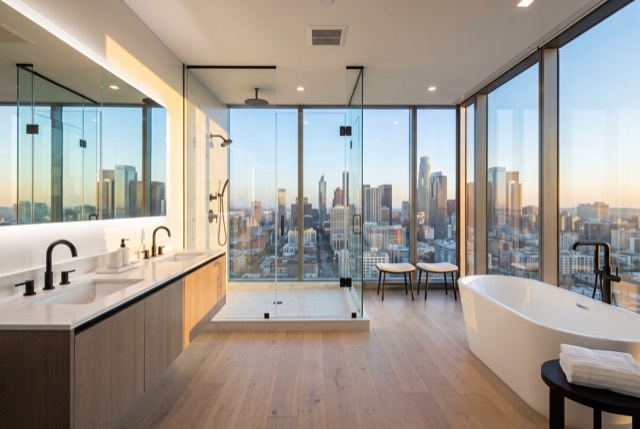
Six source photos
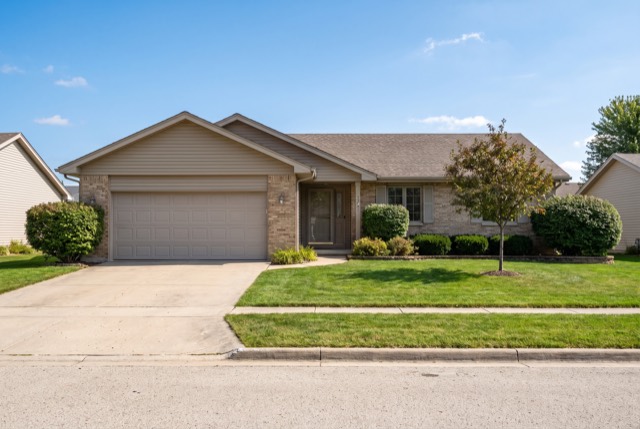
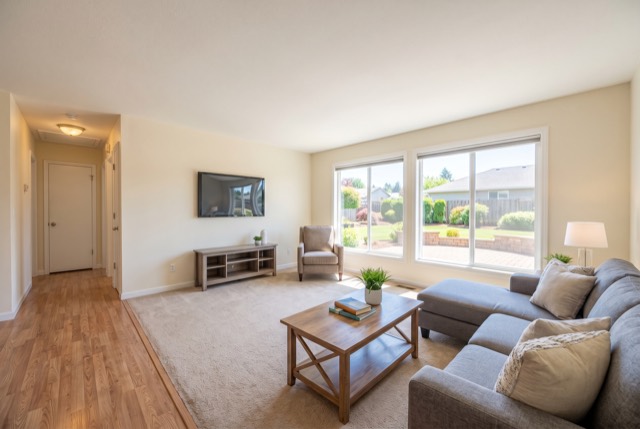
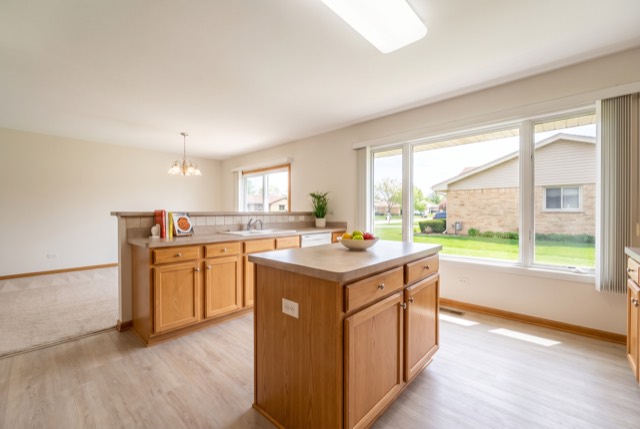
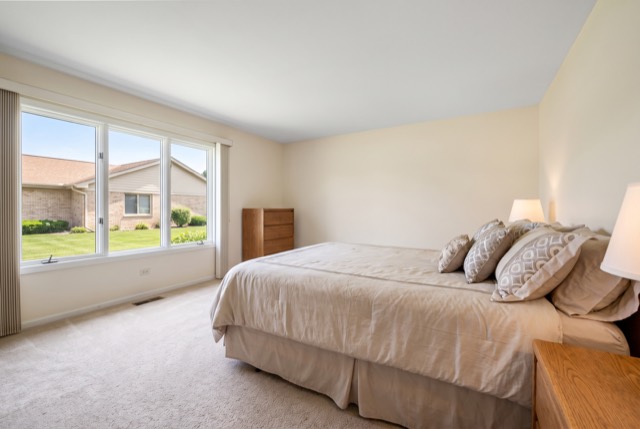
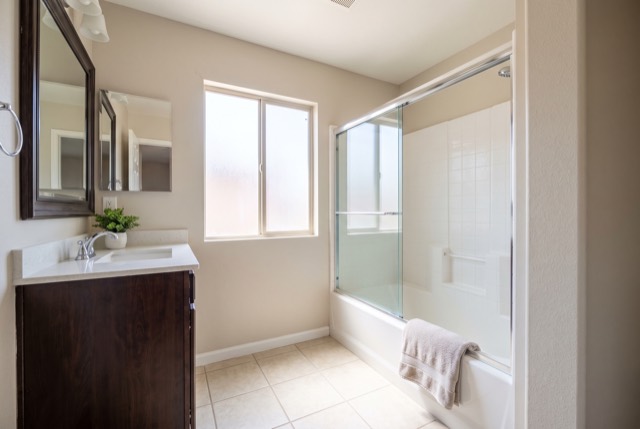
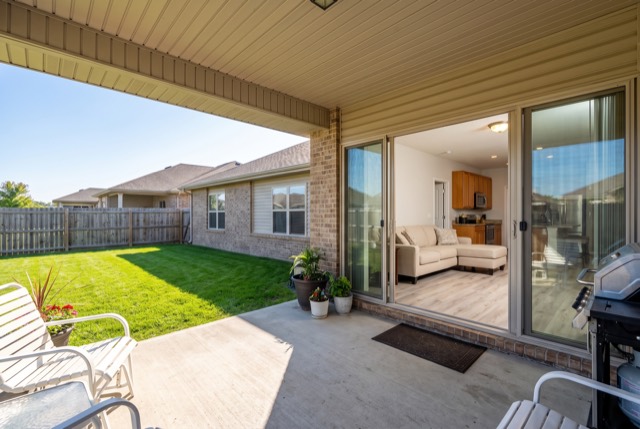
Start with a fictional example brief, then replace the details with your own photo subjects.
Before you start
Do I need an address or an agency?
No. Enter a listing name such as “Sunny double room” in the new-reel form. On your first visit, the business or agency field is optional.
What does Photo Reel do to my photos?
Photo Reel creates motion, crops and transitions from your still photos. Kadapt drafts the script and adds your chosen voice and music. Review the framing, script and finished reel against your actual property before sharing.
Can I try it without a card?
New accounts get 25 free credits with no card needed. Making a reel uses credits; review the plan and quote before rendering. Longer reels or other settings can need more credits. See the plans.
Can I try an example before adding my photos?
The free brief builder has fictional holiday-let and room examples. It needs no account and keeps what you type in your browser. It makes an editable preparation brief; making a video is a separate step in the app.
Start with 25 free credits. Check the quote before rendering. See pricing.
Selling homes instead? Kadapt for agents.